DEMO #1

Basic Static Content

Important notes...

  • + Webflow site and navigation generally work fine.
  • + Assets appear to be exported and referenced well from the /images directory.
  • - No one-click publishing.
  • > But not too difficult to create the zip, and drag-drop upload to e.g. Netlify.
  • - URLs change to now show .html extension
  • HTML is formatted in the export, differently from the online published version.
  • > Cleaner, but be careful not to trip up scripts.
Responsive image annotations

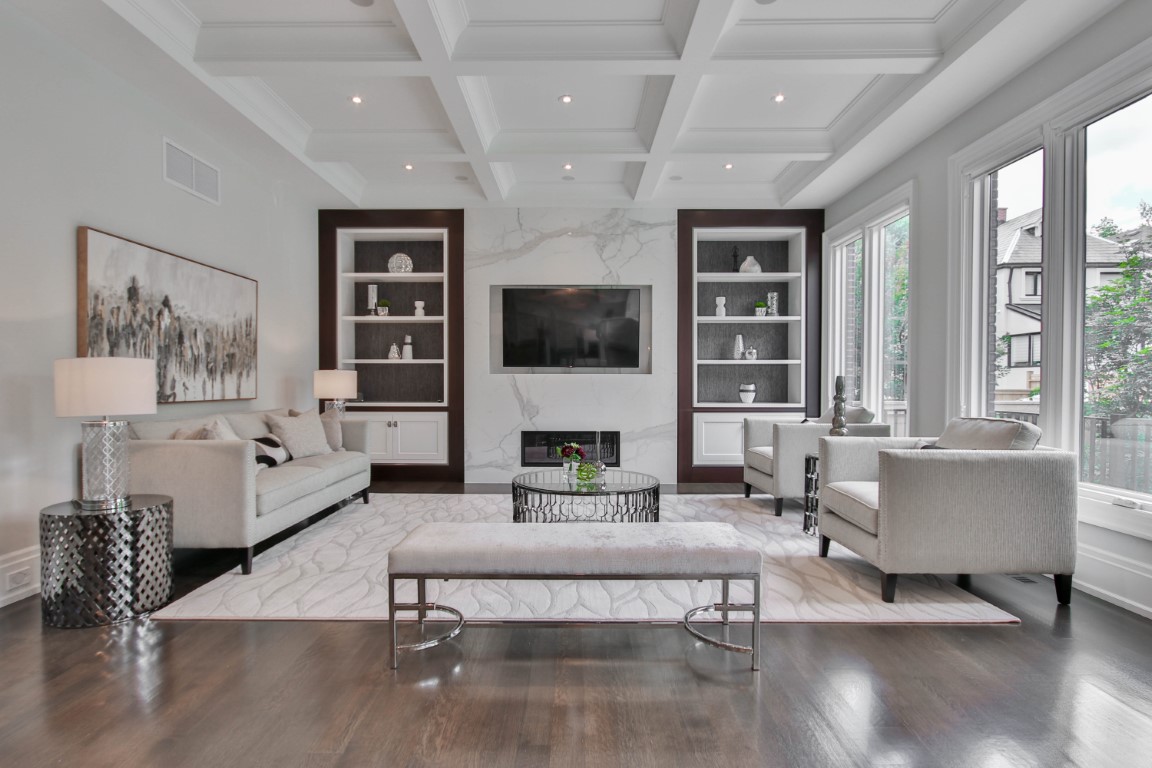
Overlay annotation elements on top of an image, and maintain those positions responsively.

3 2 1

How to implement

See the designer view of this demonstration by clicking the button at the top.
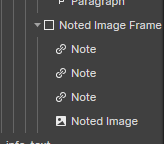
Then view this part of the layout for details;

01 The basic process

Outer DIV is Relative

Photo inside is Block, 100% width

Annotations are positioned % from Left and Top, and can be adjusted in the designer for precise positioning.

Note responsive sizing of the labels, as the image will get small.

02 Notes

Annotations are square aspect for simplicity, but don't necessarily need to be.

Dealing with variable sized labels.

May require direct CSS mods to allow for math.

Idea- a 0x0 outer frame which controls position. An inner frame which offests -50%w -50%h for positioning.